FOR TRAINING ENQUIRY: +91 91504 77118, +91 72006 62118
WeekEnd Online/Offline Live Training
MASTER AI POWERED MULTI - CLOUD ( AWS, AZURE WITH TERRAFORM )
WEEKEND CERTIFICATION PROGRAM
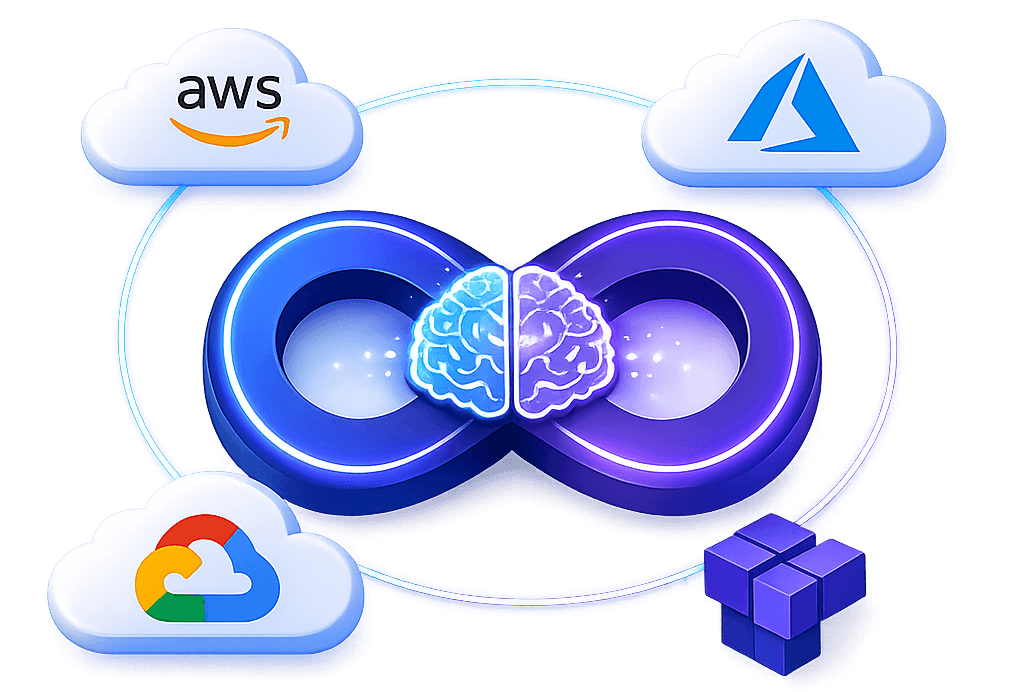
even if you are a beginner & don't have any technical knowledge.
FULL PAYMENT
Cost:₹ 6,000
Details: Pay upfront and secure your spot in the course.
INSTALLMENT PAYMENT
Cost:Two installments of ₹3,000 each
Details:First Installment: Due at the time of registration. Second Installment: Due within 30 days of the course start date.
What You'll Learn in this Program

AWS Cloud

Azure Cloud

Terraform
🤖 AI Tools Involved

AWS Kiro

Claude
Amazon Q

WorKiK

Github Copilot

Azure Copilot

Google Duet AI
TGPT
Linux Overview
What is Operating System
What is Unix, Linux
Linux vs Windows
Linux Flavors
Linux Architecture
Linux Commands
Reading Files
Redirection Operators
User Management
Group Management
File System Management
Editors
Introduction to Cloud Computing
AWS Services
VM Creation in AWS
Elastic Compute Cloud (EC2)
AWS Regions and Availability Zones
Amazon Machine Images (AMI)
EC2 Instances
Amazon Elastic Block Store (EBS)
Load Balancing (ELB)
Auto Scaling
Network & Security
Amazon Virtual Private Cloud (VPC)
Amazon Route 53
Identity Access Management (IAM)
Amazon S3
Relational Database Service (RDS)
Amazon Cloud Watch
Cloud Formation
Amazon Simple Queue Service (SQS)
Elastic Bean Stalk
AWS Lambdas
Introduction
Azure Essentials
Azure Virtual Machines
Azure ARM Template
Azure Tags
Azure Network Security Group
Azure Virtual Machine User Data & Custom Data
Azure Load Balancer
Azure Scale Set
Azure Resource Locks
Azure Functions
Azure Kubernetes Services
Azure Networking
Bastion Server/ Jump Host in Azure
Azure Native Bastion Service
VNet Peering
Public DNS Zone
Azure + Terraform
Challenges with Traditional IT Infrastructure
Types of IAC Tools
Why Terraform?
Installing Terraform
HashiCorp Configuration Language (HCL) Basics
Update and Destroy Infrastructure
Using Terraform Providers
Configuration Directory
Multiple Providers
Using Input Variables
Understanding the Variable Block
Using Variables in Terraform
Resource Attributes
Resource Dependencies
Output Variables
Introduction to Terraform State
Purpose of State
Terraform State Considerations
Terraform Commands
Mutable vs Immutable Infrastructure
LifeCycle Rules
Datasources
Meta-Arguments
Count
for-each
Version Constraints
Getting Started with AWS
Demo Setup an AWS Account
Introduction to IAM
Demo IAM
Programmatic Access
AWS IAM with Terraform
IAM Policies with Terraform
Introduction to AWS S3
S3 with Terraform
Introduction to DynamoDB
Demo Dynamodb
DynamoDB with Terraform
What is Remote State and State Locking?
Remote Backends with S3
Terraform State Commands
Introduction to AWS EC2
Demo: Deploying an EC2 Instance
AWS EC2 with Terraform
Terraform Provisioners
Provisioner Behaviour
Considerations with Provisioners
Terraform Taint
Debugging
Terraform Import
What are Modules?
Creating and Using a Module
Using Modules from the Registry
More Terraform Functions
Conditional Expressions
Terraform Workspaces (OSS)
AWS Kiro
Amazon Q
Azure Copilot
Google Duet AI
Workik (Terraform)
Github Copilot(code suggestion, etc..)
Azure Copilot (Azure,Bicep)
Google Duet AI (GCP infra and Kubernetes)
Real-World 3-Tier Web App Deployment on AWS
Deploying a Two-Tier WordPress Application & Making it Highly Available
Deploy EpicBooks (Monolith) Application
Deploy a 3-Tier Architecture in Azure Using Terraform
Resume Preparation
Frequently Asked Interview Questions
Mock Interviews
LinkedIn Optimization
Why These AI Tools?

☁ Cloud AI Assistants
Tools:
AWS Kiro, Amazon Q, Azure Copilot, Google Duet AI
Focus:
Generate Infrastructure as Code
Debug cloud issues
Cost optimization
Kubernetes YAML generation

🛠 Terraform Automation
Tools:
Workik
Focus:
Generate Terraform modules
Improve security
Fix configuration errors

</> AI Code Assistants
Tools:
GitHub Copilot, Claude
Focus:
Code suggestions
Dockerfile generation
CI/CD pipeline creation
Documentation automation

>_ Terminal Enhancement
Tools:
TGPT (Terminal GPT)
Focus:
Linux command help
Shell scripting
Log analysis
Server troubleshooting
Capstone Projects
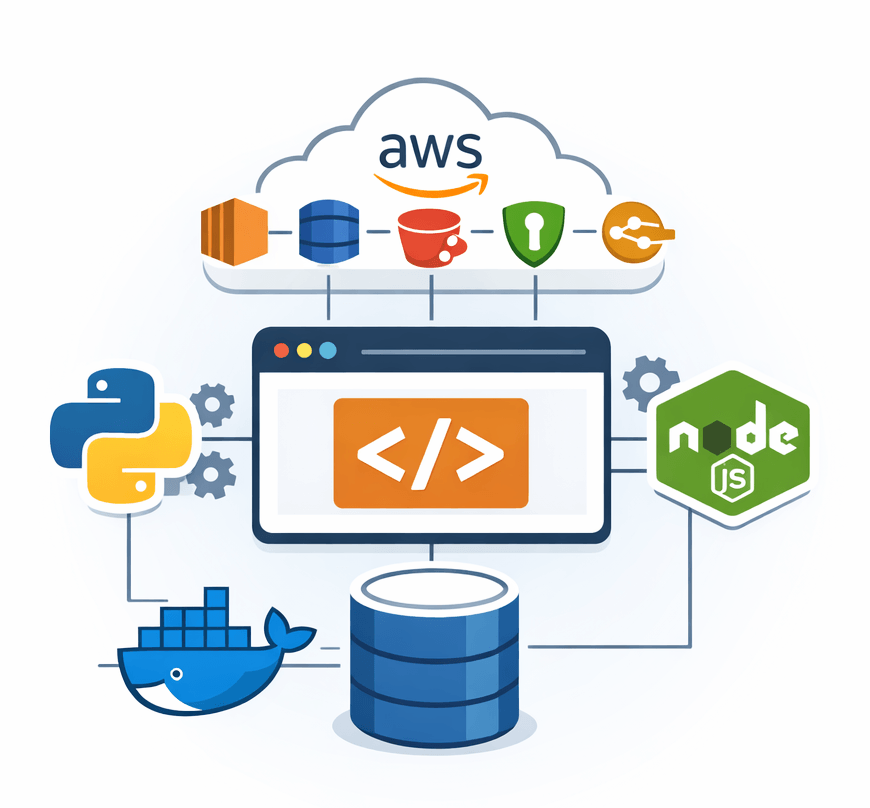
Tech Stack Used Here:
Objective:
Design and deploy a production-ready 3-tier web application architecture on AWS with proper network isolation, security, and scalability.
Implementation:
Design 3-Tier Architecture (Presentation, Application, Database)
Create custom VPC with Public & Private Subnets
Configure Internet Gateway & NAT Gateway
Launch EC2 instance for Frontend (Public Subnet)
Launch EC2 instance for Backend (Private Subnet)
Set up Amazon RDS in Private Subnet
Configure Application Load Balancer
Implement Security Groups & IAM Roles
Deploy application manually on EC2
Enable monitoring using CloudWatch
Tech Stack Used Here:
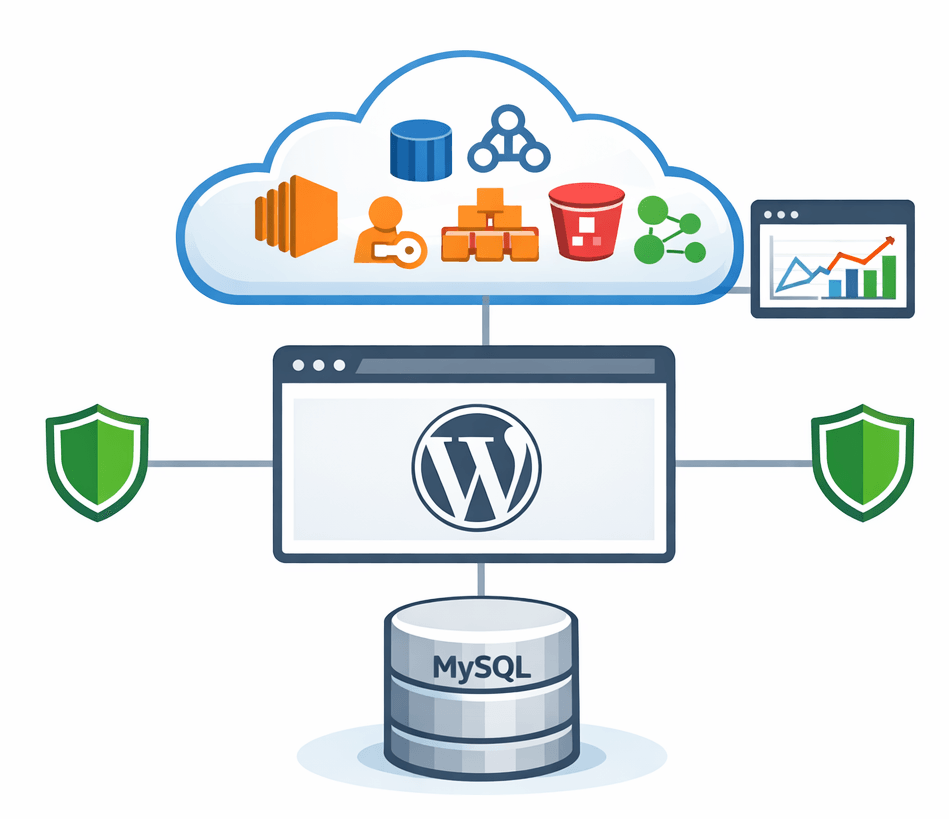
Objective:
Deploy a production-ready Two-Tier WordPress application on AWS and configure High Availability with load balancing and auto scaling.
Implementation:
Design Two-Tier Architecture (Web Tier + Database Tier)
Create Custom VPC with Public & Private Subnets (Multi-AZ)
Launch EC2 instances for WordPress (Web Tier)
Install Apache, PHP & WordPress on EC2
Configure Amazon RDS (MySQL) in Private Subnet
Set up Application Load Balancer (ALB)
Configure Auto Scaling Group for Web Tier
Store media files using Amazon S3 (optional enhancement)
Configure Security Groups & IAM Roles
Enable CloudWatch Monitoring & Health Checks
Tech Stack Used Here:
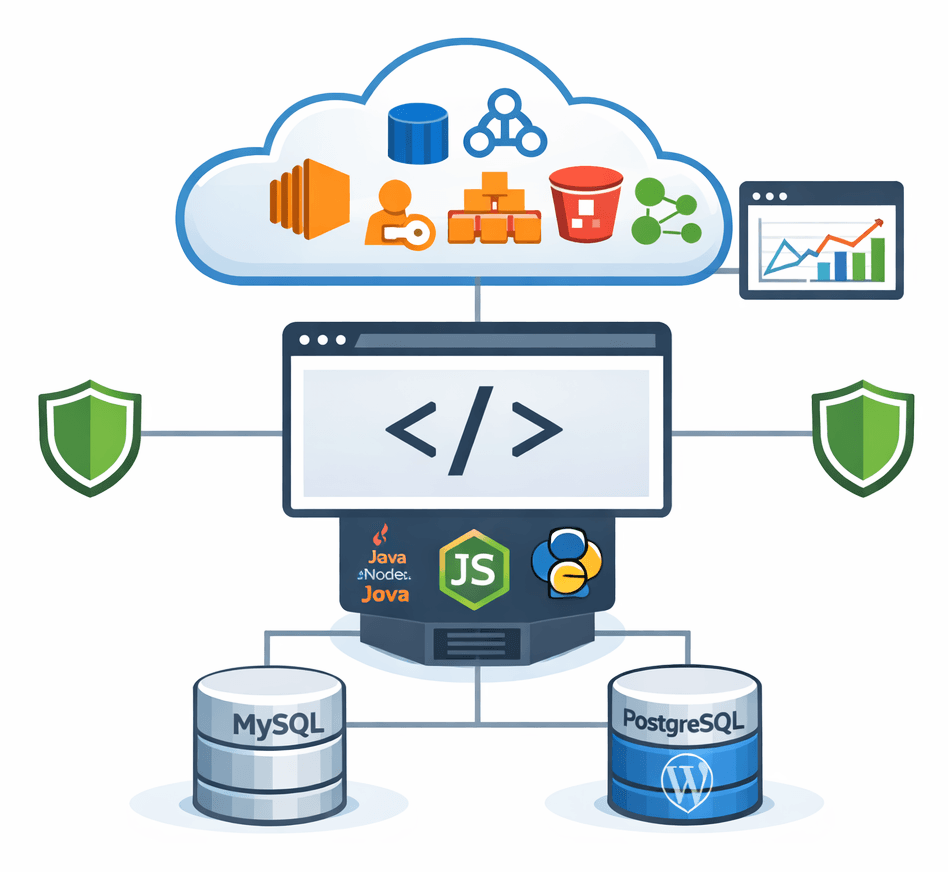
Objective:
Deploy the EpicBooks monolithic application on AWS with proper networking, security configuration, and database integration.
Implementation:
Design Monolithic Architecture (Single Application Server)
Create Custom VPC with Public & Private Subnets
Launch EC2 Instance for Application Deployment
Install Runtime (Java / Node / Python) on EC2
Deploy EpicBooks application manually via Git & SSH
Configure Amazon RDS in Private Subnet
Connect Application to Database
Configure Security Groups & IAM Roles
Store static assets in Amazon S3 (Optional)
Enable Monitoring using CloudWatch
Tech Stack Used Here:
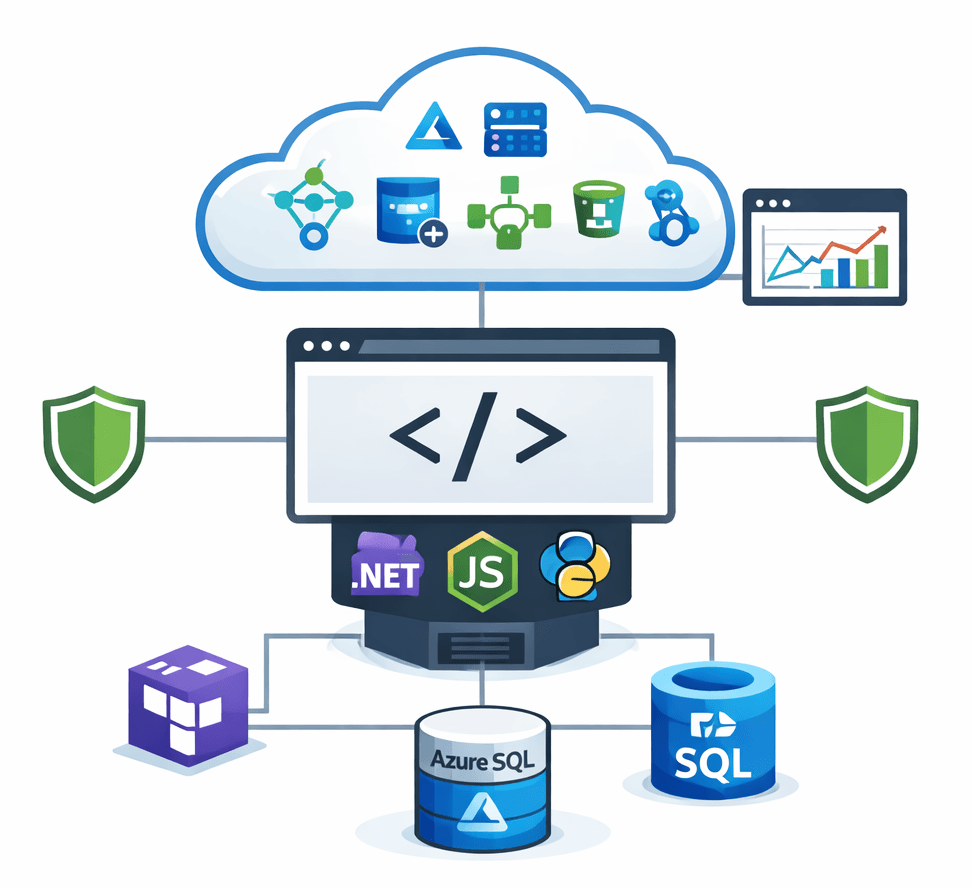
Objective:
Provision and deploy a scalable 3-tier architecture in Microsoft Azure using Terraform for automated and consistent infrastructure deployment.
Implementation:
Design 3-Tier Architecture (Web, App, Database)
Create Azure Virtual Network (VNet) with Subnets
Configure Network Security Groups (NSG)
Provision Virtual Machines using Terraform
Deploy Frontend in Web Tier (Public Subnet)
Deploy Backend in Application Tier (Private Subnet)
Provision Azure SQL Database in Database Tier
Configure Azure Load Balancer / Application Gateway
Implement RBAC for secure access
Enable Azure Monitor for logging & metrics
Who Should Attend?

System Administrators
Application Developers
Cloud Professionals
Software Engineers
Looking for DevOps Internship
Infrastructure Architects
Individuals aiming to build credibility and value as experienced DevOps professionals.
Freshers
Security Engineers
Practitioners
Site Reliability Engineers
Solution architects
Technical Leads
Aspirants looking to work as DevOps professionals
Bonus Features

Real-World Projects
Automated CI/CD pipeline for real-time code integration and deployment.

Lifetime
Access
Materials and recordings are available even after the training ends.

Free
Support
Post-training, we will provide end to end guidance for placement

Attend any
Batch
If you have enrolled in a batch, you can attend other batch for free.
Why Attend This Training?
Expert Instruction: Learn from industry professionals who bring real-world experience.
Career-Boosting Skills: Mastering devops with aws is a must-have skill for developers and tech professionals.
Interactive & Hands-On: Experience real-world scenarios, exercises, and guidance from industry experts.
Networking Opportunities: Connect with peers and expand your professional network.
Supportive Community: Join a collaborative environment for sharing knowledge and resources.
Certification: Receive a training and internship certificate of completion to boost your resume and showcase your new skills.
What Are You Waiting For?


Limited Slots Available!
Secure Your Seat Now and Start Your Cloud Journey
Frequently Asked Questions
Yes! A certificate is awarded to those who successfully complete the training.
No, this training is designed for beginners to advanced learners.
Yes, you will have lifetime access to the training materials.
Yes. For those who enrolled in this training will be added to a community where technical support team members will answer your queries.
RESERVE YOUR SPOT
Full Payment
We HATE spam. Your data is 100% secure
RESERVE YOUR SPOT
Installment Payment
We HATE spam. Your data is 100% secure